Connecting a Video Doorbell (S1200 only)
Video: Link Your First Alert VX1 or Ring Doorbell Camera
Watch this video for step-by-step instructions on using the Priority feature.
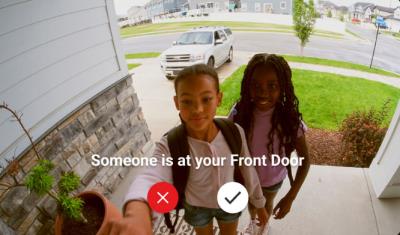
Video Doorbell Integration is only supported on the following models:
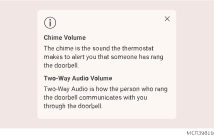
Adjusting the Chime and Two-Way Audio Volume
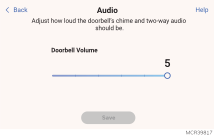
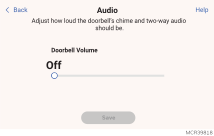
To access the doorbell audio adjustments touch Menu > Preferences > Doorbell Volume.
Multiple doorbells to one thermostat or Multiple thermostats to one doorbell
If pairing multiple First Alert VX1 or Ring Doorbell Cameras in a location with multiple thermostats, individual doorbells can be linked to individual thermostats.
If a single doorbell is linked to multiple thermostats, both thermostats will receive the notification.
If multiple doorbells are linked to a single thermostat and a doorbell is pressed while the thermostat is already streaming from a different doorbell, the second doorbell will be ignored until the initial stream ends.
There is no maximum number of pairings. The limiting factor is network bandwidth.