4. Set Time And Date
An automatic prompt to set time and date will be shown when the thermostat is powered up for the first time. If time and date need to be adjusted after power up, use the directions below.
4.1 Setting Time
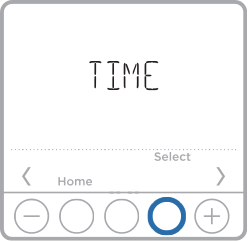
1. Press Menu on your thermostat.
2. Press  or
or  to go to TIME. Press Select.
3. Press or to choose between 12 or 24 hour. Press Select.
4. Use or to adjust the hour. Press Select.
5. Use or to adjust the minutes. Press Select to exit Time menu.
4.2 Setting Date
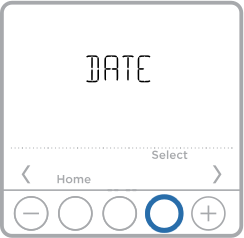
1. If previously setting time, continue to Step 2. If at the Home screen, press Menu on your thermostat.
2. Press or to go to DATE. Press Select.
3. Use or to adjust year. Press Select.
4. Use or to adjust month. Press Select.
5. Use or to adjust day. Press Select to save and exit Date menu.